

So I installed the stock Google oAuth plugin into a copy of osTicket-Awesome-1.10.4-v1.0, configured and enabled it. It appears to be cooperating with the theme, so I don't suspect that the theme is breaking anything. I hope this help you narrow down your focus in your effort to also have your custom plugin work with osTicket Awesome.
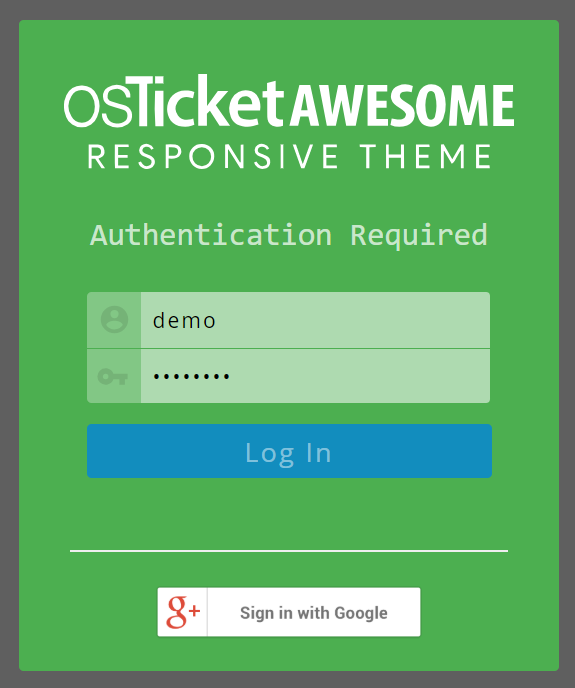
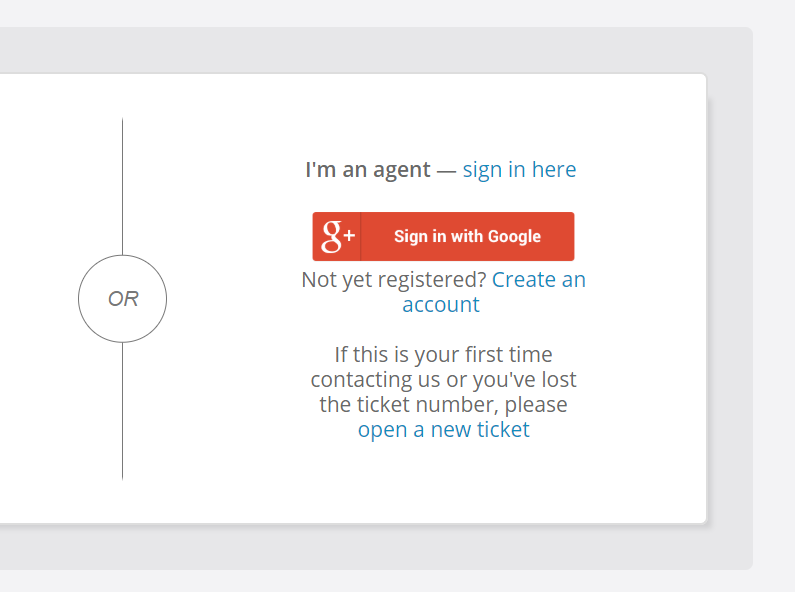

The first is the agent panel and not in scope and is your second from the view.php page? You've cut off the dialog and it's hard to tell. Could you please post a screenshot of your entire view.php login section including the part where it asks for the ticket number?
I'm sorry, you were correct... I was confused about what I was meant to be checking and my screenshot is actually from login.php.
You are also right with regard to the auth button/ link not showing up in view.php. I hadn't noticed that the auth function was not present from this page.
However, I also installed the Google oAuth plugin in a unmodified osTicket 1.10.4 installation.
Here also the Google oAuth function is not available on the view.php page.
Here for your reference:
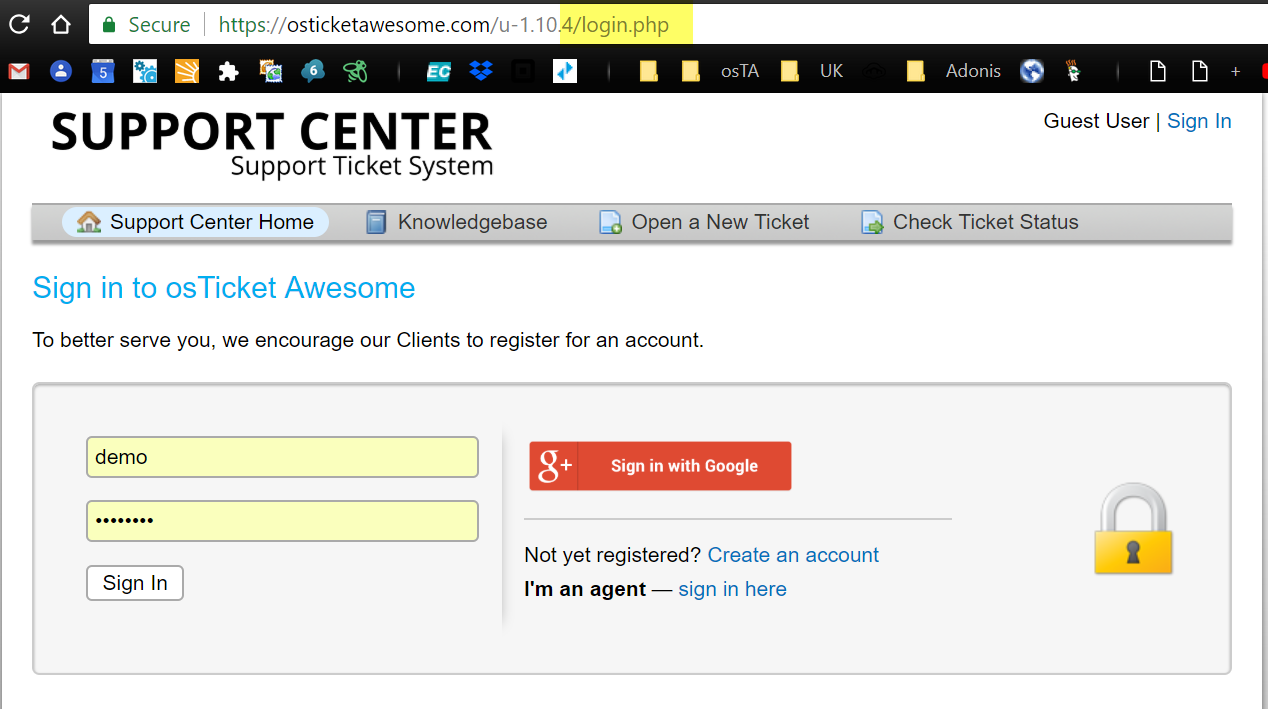
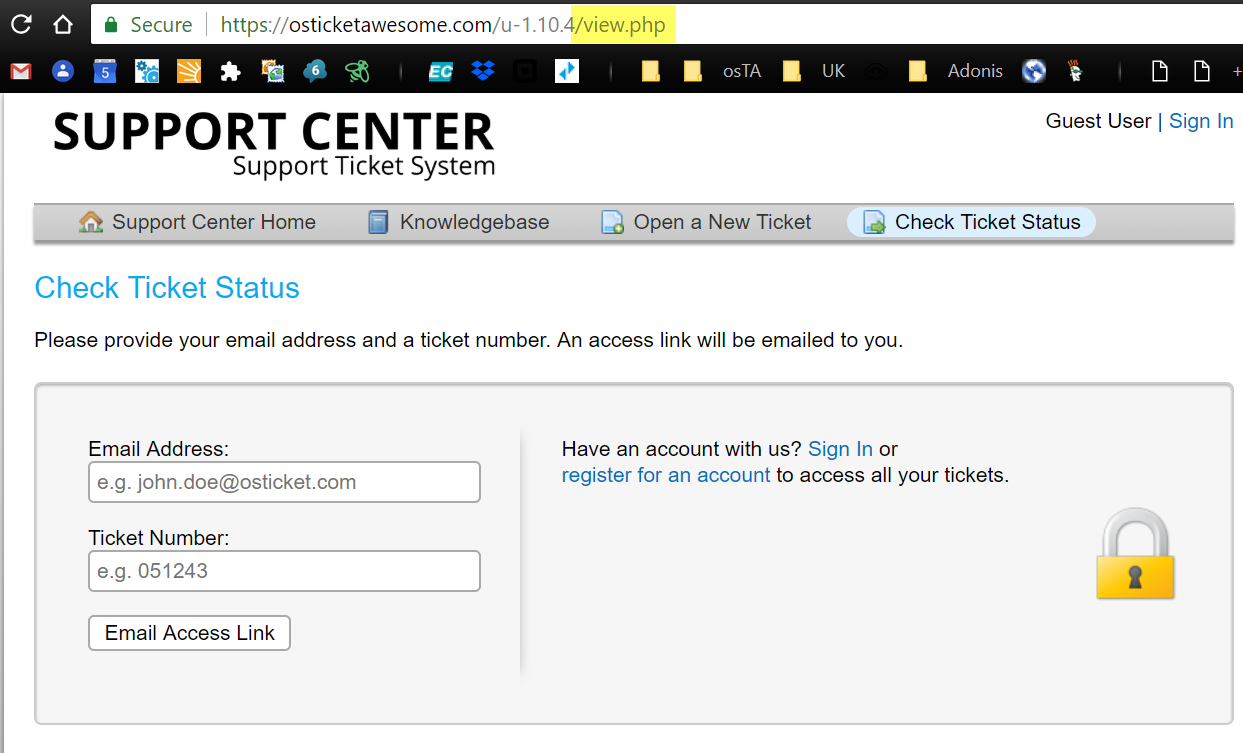
After considering this my interpretation is that the osTicket devs excluded the auth code from view.php intentionally... the page is meant for looking up a ticket using the ticket # and, I assume, if the user wants to select a different authentication method the idea is a) they will click the "Sign in" link and b) they would not likely have ended up on the view.php page in the first place.
I hope this helps.
Thanks for the double checking. I don't have any native installations of osTicket running, just one instance with your theme.
I know my plugin is being called because some JS code I inject is running - I'll just have to engineer around this. I will raise an issue with osTicket and see what they say.
I appreciate the support.
I am happy to help, @cbasolutions.
But for this type of sinereo especially I really feel that you need a working osTicket core installation.
All you need to do is download the 1.10.4 .zip, upload the /upload directory, rename it (optional) and copy over your working /include/ost-config.php.
BTW I also have some other tips for working with mods.